

From a document to a verified face
Four steps turn a NIN or BVN into a biometric proof, and that same proof into a 1:N identity check anyone can run with just a camera.
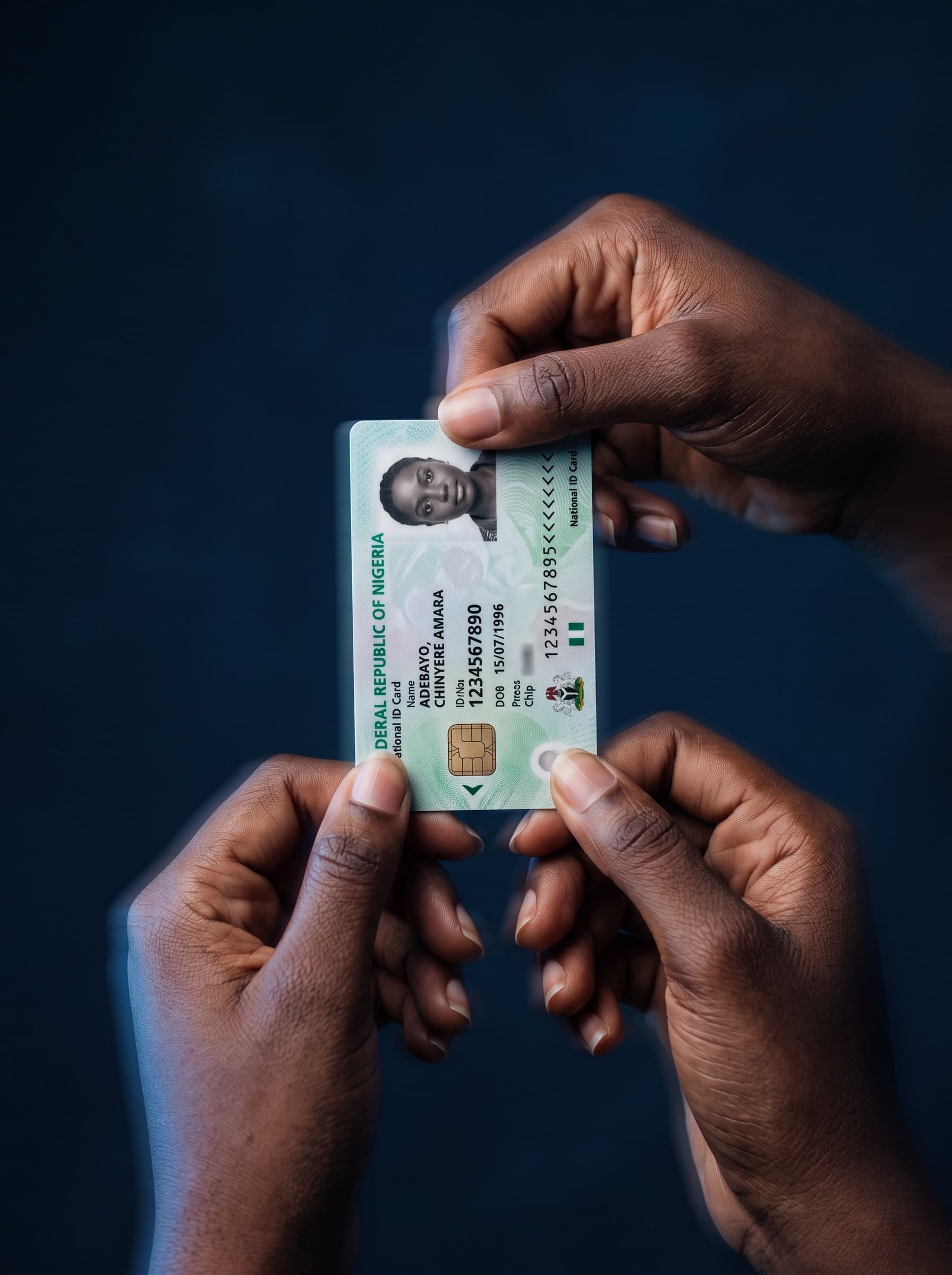
Validate
A NIN or BVN is checked against the national registry through FaceTrust AI's own validation endpoint. The response comes back with a masked name and a status — active, not-found, or mismatch — but never the registry photo. Photo access is a separate, gated step that only unlocks after a face proof succeeds.
Prove with a face
The person captures a live photo. A liveness check runs first — this is what catches a printed photo or a screen replay before it ever reaches the matching engine. Only after liveness passes does the live capture get compared against the registry's own photo, using a 512-dimension face embedding and a fixed similarity threshold. No human eyeballs two photos side by side and makes a judgment call.
Link and enroll
On a match, the NIN or BVN is linked to the account. The same face embedding computed during the proof step becomes that person's one canonical biometric record — there's no separate "enrollment" step and no growing photo album. If the person later links a second registry number, a cross-registry consistency check runs to make sure both numbers resolve to the same face.
Identify, anywhere, 1:N
At a merchant desk, a bank branch, or a hotel front desk, a single camera capture is compared against every enrolled face at once — not against one claimed identity, but against the whole set. The result is a match (with the linked NIN/BVN details), a no-match, or a flagged near-tie that routes to manual review instead of being auto-decided either way.

Nothing is auto-approved on a guess
A 1:N identify call resolves to exactly one of four outcomes — here's what each one means and what happens next.
The captured face matches exactly one enrolled identity above the confidence threshold.
The matched identity's details are returned. At a merchant desk this is the whole checkout — no card, no document.
The captured face doesn't match any enrolled identity closely enough to clear the threshold.
Nothing is returned. The person isn't recognized as any enrolled identity — a fresh enrollment or a support flow is next.
Two or more enrolled identities score close enough together that picking one automatically would be a guess.
The comparison is flagged for manual review rather than auto-approved or auto-rejected — this is the near-tie safety net.
The liveness check itself didn't pass — a printed photo, a screen replay, or a low-quality capture.
The flow stops before any face comparison happens at all. The person is asked to recapture.
Consumer flow
Enrolling a new identity
- 1. Sign up with a phone number and OTP.
- 2. Enter a NIN or BVN — validated against the registry, masked name returned.
- 3. Capture a live selfie — liveness check, then compared to the registry photo.
- 4. On a match, the number is linked and the face embedding is enrolled.
- 5. Manage the linked identity, profile, and verification history from the consumer app.
Merchant flow
Identifying someone at a desk
- 1. An operator signs in to the Merchant Desk with their operator code and password.
- 2. A customer looks at the desk's camera — no card, no number typed in.
- 3. One capture is compared against every enrolled face (1:N).
- 4. The desk shows match, no-match, or an escalation for manual review.
- 5. Every scan is logged to that operator's session history.
Bring FaceTrust AI to your business
Talk to us about a pilot, or dig into the API reference to see exactly how it fits your stack.